

Getting started
Pre-alpha
Bever is pre-alpha. The language and APIs will change in breaking ways between releases, and there is no upgrade path yet. Do not use it for production data. See Status.
Requirements
Install the CLI
dotnet tool install --global --prerelease Bever.Cli
bever --version
Update it later with dotnet tool update --global --prerelease Bever.Cli.
Create a project
bever new "Acme Tasks"
cd "Acme Tasks"
Project names start with a letter and may contain letters, digits, spaces, _, and -. The new folder contains:
Acme Tasks/
  bev/app.bev        the business model
  client/            the web app (Nuxt)
  server/            the API (ASP.NET Core)
  Dockerfile         one container for production
  README.md
Run it
bever devThe first run takes a minute: it installs the client's packages, creates the database, and builds the server. Then it prints:
  App   http://localhost:3000
  API   http://localhost:5100/api/v1

Watching bev/ for changes. Press Ctrl+C to stop.
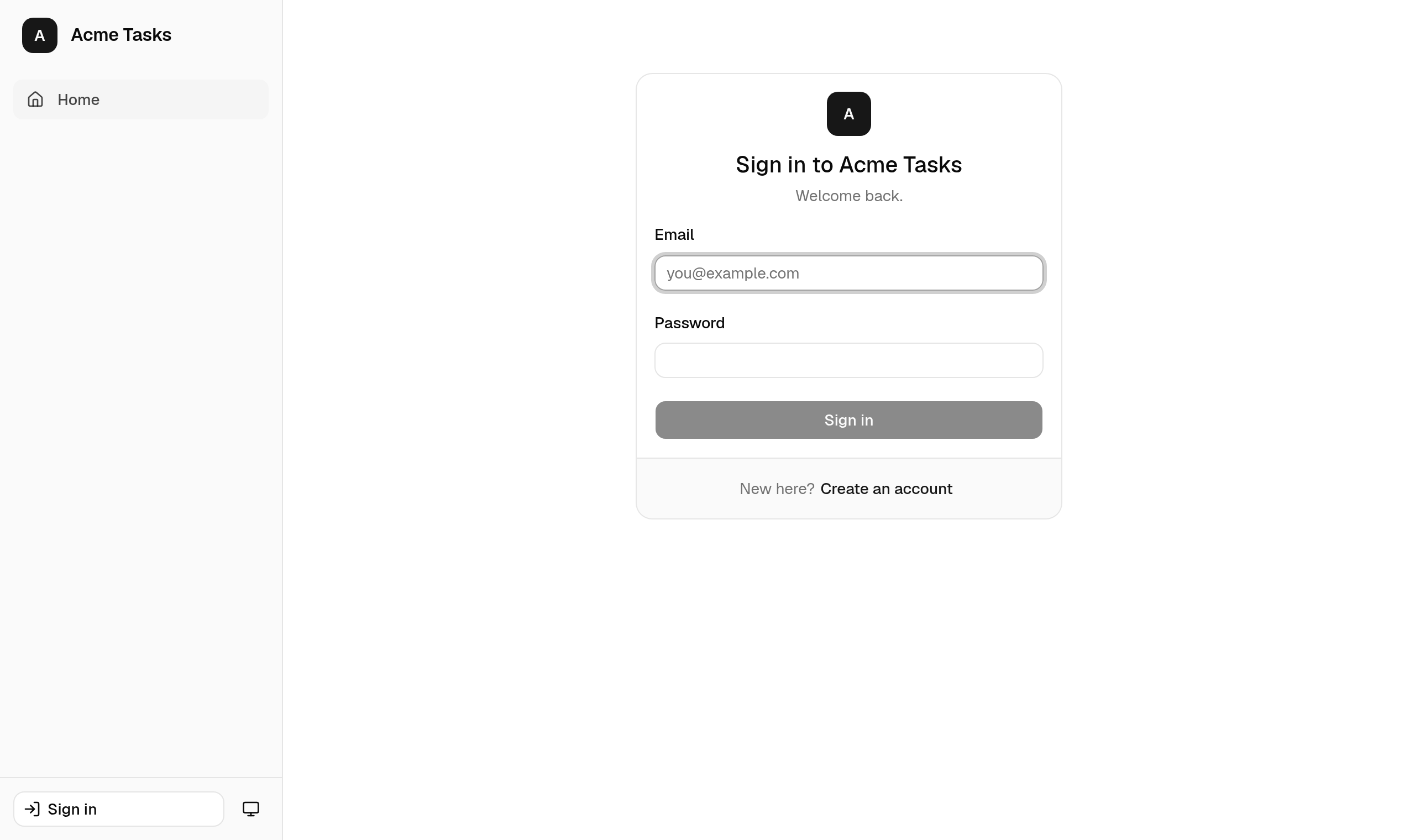
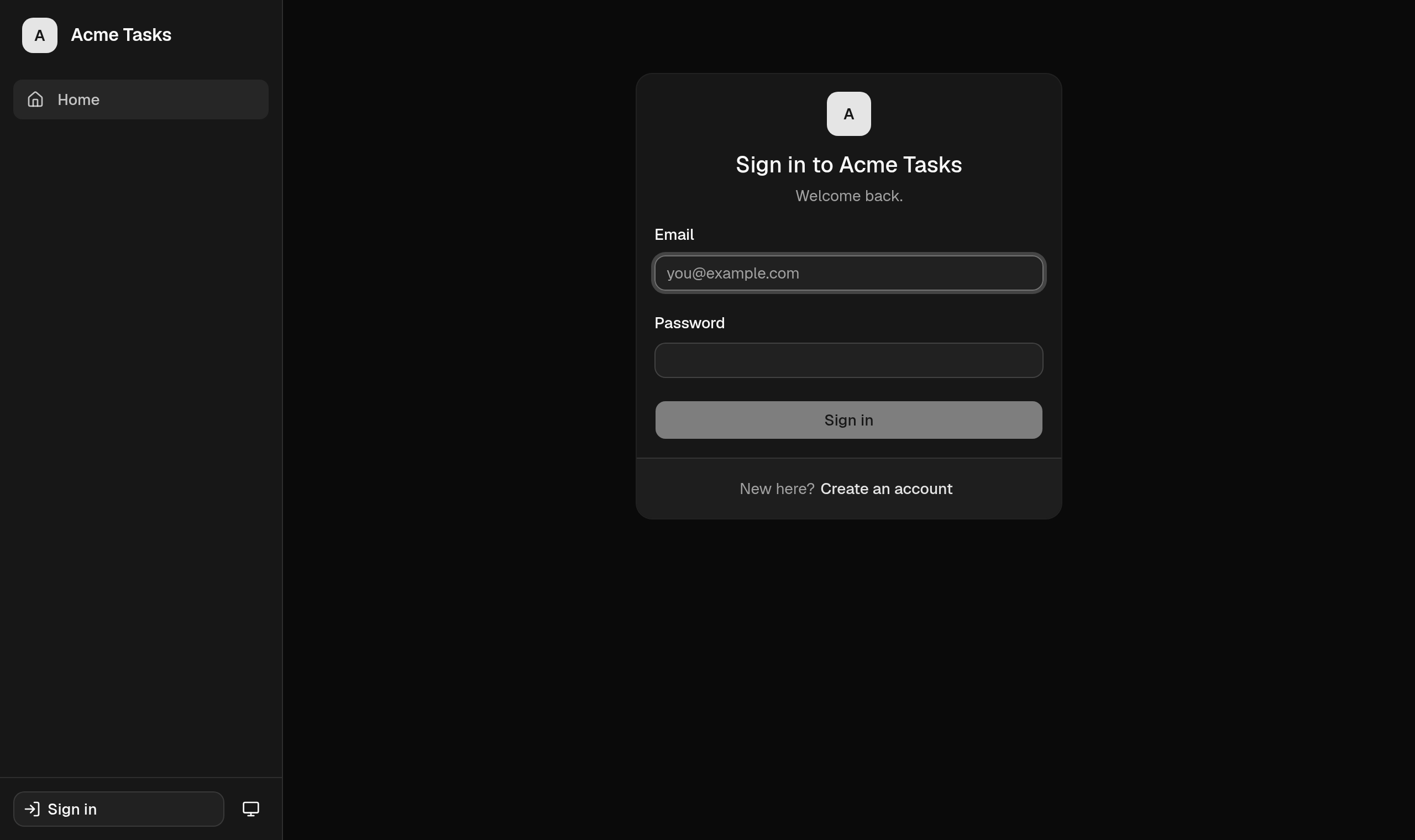
Open http://localhost:3000. The starter model has sign-in with self-service registration, so choose Create an account, then add a project and a few tasks.
Make a change
Open bev/app.bev and add a field to Project:
Entity Project
    Field Name Text(120)
    Field Status Enum(Planned, Active, Completed) = Planned
    Field Description Text(2000)?
    Field Budget Money?
Save. bever dev recompiles the model and notices that the database needs a new column:
The database schema changed:
  safe              add field Project.Budget
Create and apply this migration? [y/N]
Answer y. Bever writes bev/migrations/<timestamp>_add-project-budget.json, applies it to .bever/bever.db, and restarts the API. The app reloads, and the project form now has a Budget input that accepts numbers only.
Errors are reported with their location and the server keeps running the last valid model:
bev/app.bev:10:5: error BEV3032: Unknown type 'Currency'. Use Text, Boolean, Int, Decimal, Money, Date, DateTime, Time, Email, Phone, Url, Enum(...), or '-> Entity'.Editor support
Install the Bever extension for VS Code for highlighting, snippets, and errors as you type.
Next steps
- Follow the tutorial to build a small order desk.
- Read about the project structure.
- Look up any construct in the language reference.